FASTag OneTag Portability 2026: How to Change Issuer Bank
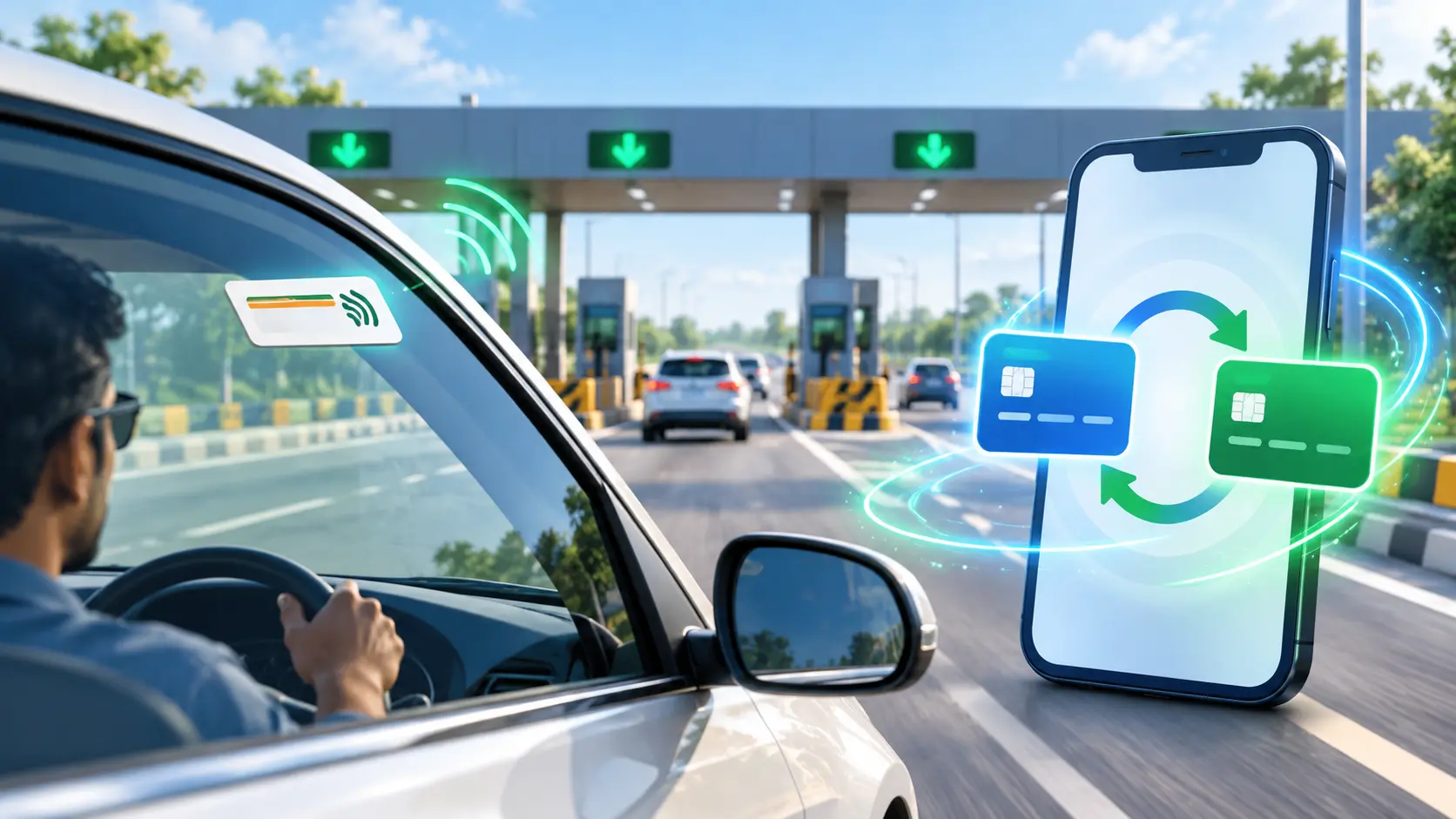
FASTag users in India can now switch their FASTag issuer without removing the existing tag from their vehicle. The National Highways Authority of India (NHAI) has introduced OneTag FASTag portability on the Rajmargyatra mobile app, giving eligible users a simpler way to move from one issuer to another.
The service became available on the Rajmargyatra App in September 2026. Unlike the traditional process of closing one FASTag and obtaining another physical tag, OneTag allows the existing FASTag linked to the vehicle to remain in place.
For motorists already using digital transport services, Parivahan help provides related vehicle-service information and guides.
What Is OneTag FASTag Portability?
OneTag is an issuer-switching facility for interoperable FASTags.
In simple terms, if you want to move your FASTag relationship from your current issuer bank to another participating issuer, you may be able to do so without getting a new sticker for the vehicle.
After successful portability:
- the physical FASTag remains on the vehicle;
- the existing FASTag ID remains unchanged;
- the new issuer handles the FASTag account after onboarding; and
- the previous issuer closes the old FASTag wallet and processes the available balance after applicable adjustments.
The change therefore happens mainly at the issuer and wallet level, rather than by replacing the RFID tag fixed to the windscreen.
How to Port a FASTag Through Rajmargyatra
NHAI says the Rajmargyatra App guides users through the portability process.
1. Enter the vehicle registration number
Log in to the Rajmargyatra App and enter your Vehicle Registration Number (VRN) to check whether the FASTag is eligible for portability.
Eligibility should be checked in the app rather than assumed for every FASTag.
2. Verify with your existing issuer
If eligible, the current issuer bank sends a six-digit Mobile Verification Code (MVC) for authorization.
This verification connects the portability request with the FASTag’s existing issuer relationship.
3. Choose a new FASTag issuer
After authorization, select the issuer to which you want to move the FASTag.
4. Complete customer verification and wallet onboarding
The new issuer may require its customer-verification and wallet-onboarding process to be completed.
Once the required steps are successfully completed, the FASTag can be ported while retaining its existing physical tag and FASTag ID.
What Happens to the Old FASTag Wallet Balance?
Porting the FASTag does not mean that the old issuer wallet simply continues under the new bank.
According to NHAI, after successful portability, the previous issuer closes the existing FASTag wallet. The available balance is then refunded after any applicable adjustments.
Users should therefore distinguish between the physical FASTag, which remains unchanged, and the issuer wallet/account relationship, which changes during portability.
Can You Change the FASTag Issuer Again Immediately?
No.
NHAI has specified a six-month cooling period for an interoperable FASTag after it has been successfully ported.
This means a ported FASTag cannot be moved to another issuer again until the six-month cooling period is completed.
Drivers should therefore consider their new issuer carefully before completing the switch.
Why NHAI Introduced OneTag
OneTag is intended to make FASTag lifecycle management easier and give users greater choice between issuers.
It can also reduce unnecessary production, dispatch and reissuance of physical FASTags because users changing issuers do not necessarily need a replacement tag.
The change fits into India’s broader electronic toll collection system. NHAI reported in September 2026 that FASTag penetration had crossed 98%, with around 13 crore users.
Rajmargyatra already provides several National Highway-related services, and OneTag adds FASTag issuer portability to that digital ecosystem.
The Key Point for FASTag Users
If you are unhappy with your current FASTag issuer, replacing the sticker may no longer be necessary.
Check your vehicle’s eligibility through the Rajmargyatra App. Where OneTag portability is available, you can authorize the request, choose another issuer and complete the new issuer’s verification and wallet setup while keeping the existing FASTag on the vehicle.
The most important thing to remember is that OneTag changes the issuer—not the physical FASTag.